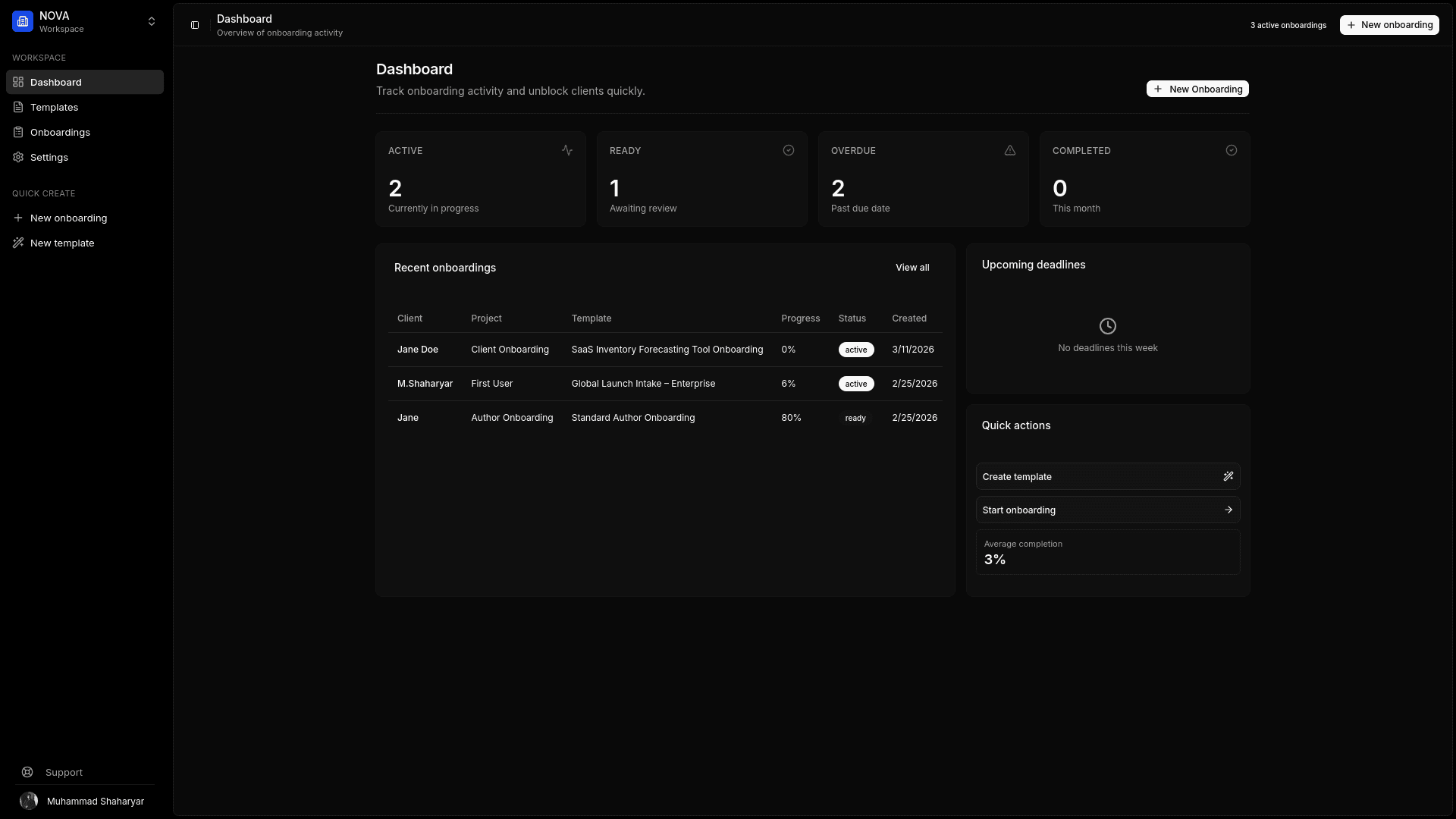
Template preview
Paid media onboarding gets messy when account access, landing page details, creative files, budgets, and approval rules are scattered across email. A useful checklist keeps the request specific.
| Section | What to collect |
|---|---|
| Campaign context | Goals, offer, target audience, geographic limits, exclusions |
| Budget and dates | Monthly budget, launch date, promo windows, reporting cadence |
| Account access | Ad platforms, analytics, tag manager, landing page CMS |
| Creative assets | Logos, brand rules, images, videos, copy constraints |
| Approvals | Who approves creative, landing pages, budgets, and launch |
Access to request
Ask for platform invitations first when possible. If a password or shared login is unavoidable, collect it through a structured credential request instead of a long email thread.
- Google Ads or Meta Business Manager access
- Google Analytics or reporting dashboard access
- Tag Manager or tracking setup access
- Landing page CMS access
- Creative library or shared asset folder
Campaign inputs
The account is only half the request. The team also needs the campaign brief: what the client sells, who they want to reach, what cannot be said, where leads should go, and what counts as success.
Approval flow
Campaigns slow down when nobody knows who can approve copy, creative, tracking, or budget changes. Name the approver early and collect any brand or legal constraints before launch week.